Version management
The Version Management service is designed to control, track, and update the versions of software components. It provides centralized storage of information about current and available versions, as well as interfaces for interaction with other systems and services.
Key Functions of AosEdge Version Management
- Version tracking – maintaining records of the current version for each service.
- Update management – detecting available updates and orchestrating their deployment.
- Compatibility assurance – enabling reliabl e interaction between components of different versions.
- Change logging – keeping a detailed history of version updates, including timestamps, authorship, and change descriptions.
How to set version
To specify the version of your service, you need to define it in the config.yaml file.
The version parameter is required and must be included under the publish section.
    publish:
        version: '1.0.0'
Apply version on the cloud side
-
Go to Validation batches.
-
Select your service.

-
Click Approve to confirm the service.
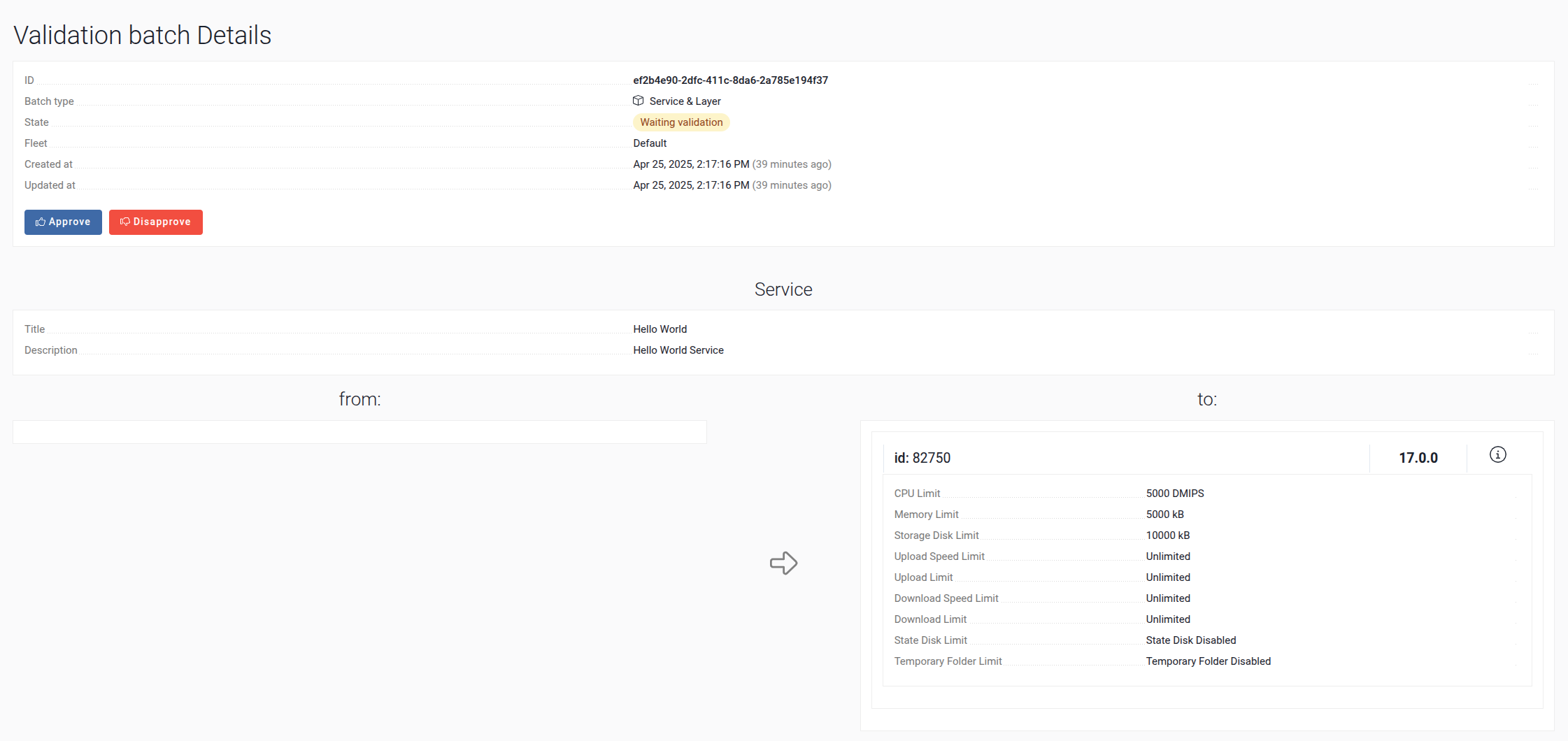
At this stage, the service is applied to our environment.
Important: Downgrading to a previous version is not supported. If you need to apply changes, you must upload a new version of the service and approve it again through the Validation Batches interface.